Why attackers get in through your firewall and VPN — not your password
The kit at the edge of your network — firewalls, VPN appliances, routers — is now the front door for attackers. Here's why your password isn't the weak point, and what to actually do about it.
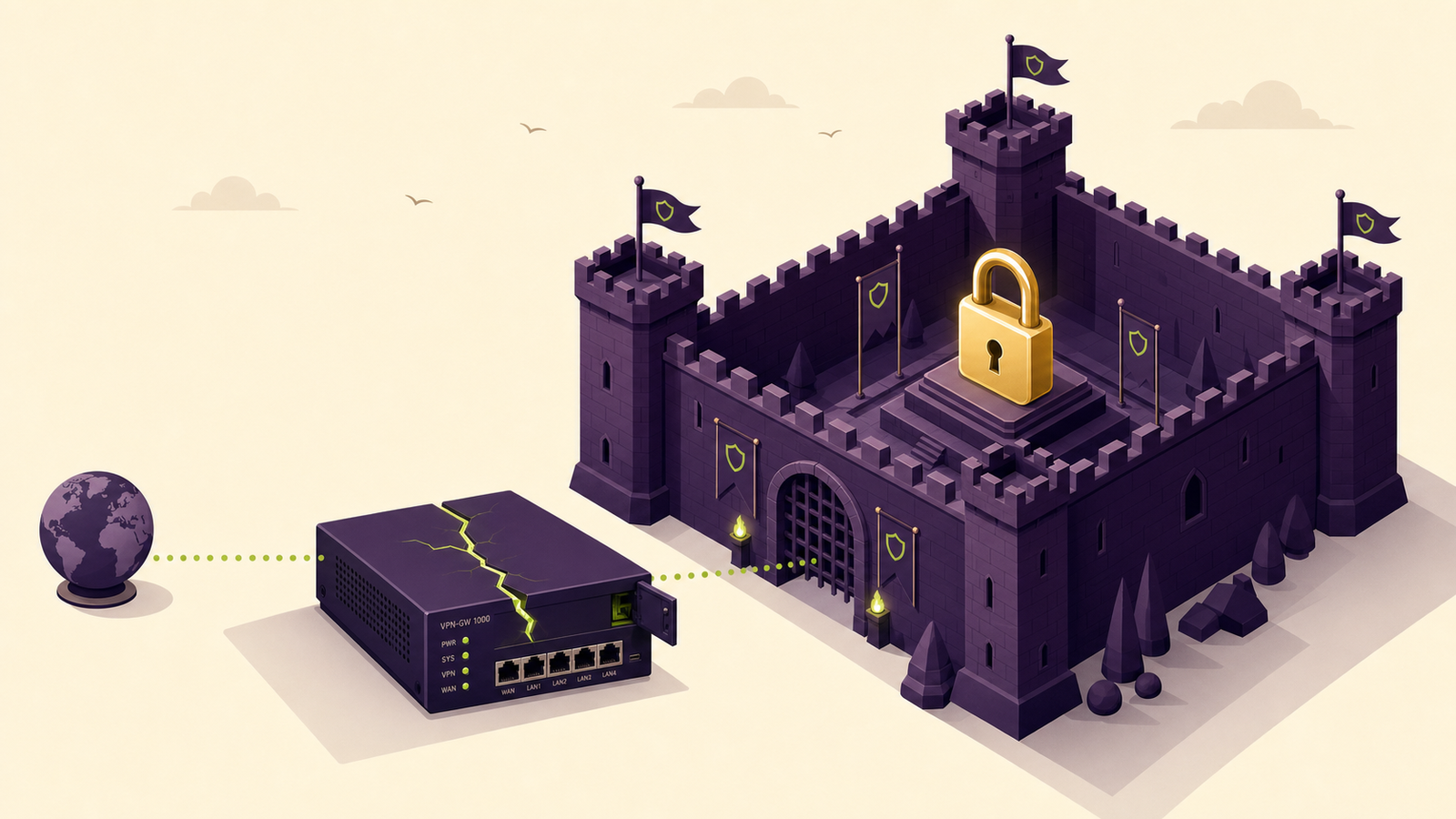
The mental model is wrong
When we explain a breach to a client, the first thing we usually have to do is unpick the picture in their head. The picture is nearly always the same: a hooded figure somewhere, typing guesses at a login box until a password gives way. So the conversation that follows is about passwords. Longer ones. A password manager. Multi-factor on everything.
All of that is worth doing — we're not talking anyone out of it. But it's solving last decade's problem. The thing that lets attackers into UK small businesses now usually isn't a person. It's a device. Specifically, it's the box sitting in your comms cupboard that connects your office to the internet.
I spend a fair chunk of my week patching exactly these devices for clients, reading vendor advisories that land at awkward hours, and occasionally doing the unglamorous job of replacing a firewall that's gone end-of-life. So this isn't a theory piece. This is the part of the job that doesn't make it into the brochure, and it's where most of the genuine risk lives.
What an "edge device" actually is
"Edge device" is one of those terms that sounds like jargon until you realise you definitely own several. It's any piece of kit that sits at the boundary between your internal network and the public internet:
- Your firewall.
- Your VPN appliance or gateway — the thing your team connects to when they work from home.
- Your router.
- Sometimes a separate web gateway, email security appliance, or remote-access box.
They have one thing in common that makes them a brilliant target: they are deliberately reachable from the internet. They have to be, or they couldn't do their job. Your laptops sit behind them. Your servers sit behind them. The edge device is the front door, and unlike the laptops behind it, it's a door that faces the street.
Why the password isn't the weak point
Here's the bit that surprises people. Attackers going after edge devices mostly aren't bothering with your password at all. They're exploiting a flaw in the device's own software — its firmware — to get in directly, often without needing any credentials.
That matters for three reasons that are specific to this kind of kit:
1. You can't put your usual security software on it. The protection watching your laptops and servers — endpoint detection, the agent that flags something suspicious and lets us respond — can't be installed on a firewall or VPN appliance. They're sealed appliances. So the one part of your network that's most exposed to the internet is also the part you have the least visibility into. That's a bad combination, and attackers know it.
2. The firmware quietly goes stale. Everyone now understands that Windows and your phone need updates. Far fewer people think about the firewall, because it just sits there working. But these devices get security flaws found in them constantly, and the vendor releases firmware to fix them. If nobody applies that firmware, the hole stays open — sometimes for years. Barracuda's 2025 figures found that one in ten of the vulnerabilities being actively exploited already had a known fix available. The patch existed. Nobody had put it on.
3. A compromised edge device is the keys to everything. If an attacker gets into your firewall or VPN, they're not stuck in one corner. They're now inside the boundary, with a view of whatever sits behind it. On a flat network — where everything can talk to everything — that's the lot. This is why edge compromises so often end in ransomware rather than a minor incident.
This isn't a fringe risk anymore
A couple of numbers make the scale clear, and they're worth sitting with.
Barracuda, looking across thousands of real incidents it responded to, reported that 90% of the ransomware cases it handled in 2025 involved a firewall in some way (Barracuda). Separately, incident responders tracking how attackers get their first foothold have found VPN access sitting at the top of the list as the most common single entry point (Surefire Cyber).
It's serious enough that the NCSC and its international partners now treat edge devices as a category of their own. In early 2025 they jointly published guidance pushing device manufacturers to build proper logging and forensic visibility into this kit by default — precisely because, today, when one of these devices is compromised, defenders often can't even see what happened (NCSC). The NCSC's own 2025 Annual Review flags securing edge devices as a live and rising threat (NCSC Annual Review 2025).
We covered the local version of this shift in our Manchester SMB Threat Brief for June 2026 — it was genuinely the month "patch your edge kit" overtook "change your password" in the advisories landing on our desk. This post is the longer answer to the question that brief kept raising: why is the firewall suddenly the problem?
So what do you actually do about it
None of this needs panic, and it doesn't need a six-figure security project. It needs a handful of unglamorous things done properly and kept up. Here's what we run for clients, in plain order of what matters.
Know what edge devices you own. You can't protect kit you've forgotten about. The first job is a genuine list: every firewall, VPN appliance, router and gateway, where it is, what model, and which firmware it's on. It's astonishing how often the riskiest device on a network is one nobody remembered was still plugged in.
Keep the firmware current. Once you have the list, the device firmware needs checking against the vendor's advisories and updating on a schedule — not "when we get a minute." This is the single highest-value thing on the page. Most edge compromises exploit a flaw the vendor already fixed. Staying current closes that door before anyone reaches it.
Turn off internet-facing management. A lot of devices ship with their admin interface reachable from the public internet. There's almost never a good reason for that in a small business. Management should be locked to the internal network or a controlled connection, so the control panel isn't sitting on the street advertising itself.
Retire kit that's gone end-of-life. When a vendor stops supporting a device, it stops getting security firmware. From that day, every new flaw found in it stays open forever. End-of-life edge kit is one of the few things we'll push a client to replace on a deadline, not "eventually."
Make sure someone is watching. Because you can't put normal security software on these devices, you need their logs going somewhere they're actually read, and someone who'll act when something looks off. For most small businesses, "someone" is your IT provider. The right question to ask yours, today, is a simple one: how are we monitoring our edge devices, and when did we last check ours for signs of compromise? A vague answer is itself the finding.
Segment the network behind them. This is the safety net for when something does get through. If your network is flat, a compromised firewall means an attacker can reach everything. Splitting it up — so a breach at the edge doesn't hand over the whole building — turns a disaster into an incident. It pairs directly with having a tested plan for the bad day, which we wrote about in good incident response in a 20-person business.
Where this sits next to the password advice
To be clear, the password and MFA work still matters. Stolen credentials and MFA fatigue attacks are a real route in, and we spend plenty of effort on them. The point of this post isn't to swap one obsession for another. It's that a business can do everything right on passwords and still get walked over, because the attacker never went near the login box — they went through the appliance in the cupboard.
Sound security is layered. Strong identity at the front, patched and watched edge kit at the boundary, a segmented network behind it, and a plan for when something slips through anyway. The edge-device layer is the one most small businesses have quietly neglected, mostly because the kit sits there working and never asks for attention. The good news is it's also the layer where a bit of disciplined housekeeping buys an enormous amount of safety.
If you're not sure what's at the edge of your network or whether it's current, that's exactly the kind of thing our managed IT support is built to keep on top of — and it's a sensible first thing to check if you're a Manchester or Greater Manchester business weighing up whether your current setup is actually being looked after. Getting the basics of this right also lines up neatly with Cyber Essentials, which expects your firewalls and internet-facing devices to be configured and patched properly in the first place.
FAQ
Why are firewalls and VPN appliances being targeted by attackers?
Because they're deliberately exposed to the internet, can't run normal endpoint security software, and often run out-of-date firmware. That makes them a high-value, low-visibility target. Compromising one puts an attacker inside your network boundary, past most of your defences, which is why they've become a leading route into UK small businesses.
Isn't my firewall supposed to keep attackers out?
It is — when it's patched and configured properly. The problem is that the firewall itself runs software with its own security flaws. If that firmware isn't kept up to date, attackers exploit the device directly rather than getting blocked by it. A neglected firewall stops being a defence and becomes the way in.
Does a strong password or MFA protect my firewall and VPN?
Only partly. Strong credentials and multi-factor authentication are worth having and do block some attacks. But most edge-device compromises exploit a flaw in the device's firmware and don't need your password at all. You can have perfect passwords and still be breached through an unpatched appliance.
How do I know if my edge devices are vulnerable?
Start by listing every firewall, VPN appliance and router you own, with its model and firmware version. Then check those versions against the vendor's security advisories. If a device is running old firmware, is reachable for management from the internet, or has passed its end-of-life support date, treat it as at risk. If you're not sure how to check, your IT provider should be able to tell you within a day.
What should a small business actually do about edge-device risk?
Six things: know what edge devices you own, keep their firmware patched on a schedule, turn off internet-facing management, replace any kit that's end-of-life, make sure someone is monitoring the devices' logs, and segment your network so a breach at the edge doesn't reach everything. None of it is expensive — it's disciplined housekeeping rather than a big project.
Does Cyber Essentials cover edge-device security?
Yes, in part. Cyber Essentials requires your firewalls and internet-facing devices to be securely configured and kept up to date, so working through its requirements forces you to address a lot of the basics here. It's a sensible framework to anchor edge-device hygiene to, though active monitoring goes beyond what the certification on its own demands.
Not sure what's at the edge of your network?
We'll confirm what edge devices you own, whether their firmware is current, and whether internet-facing management is switched off. No jargon, no scare tactics.
Talk to a human