Home router security: three tiny changes that protect everything on your Wi-Fi
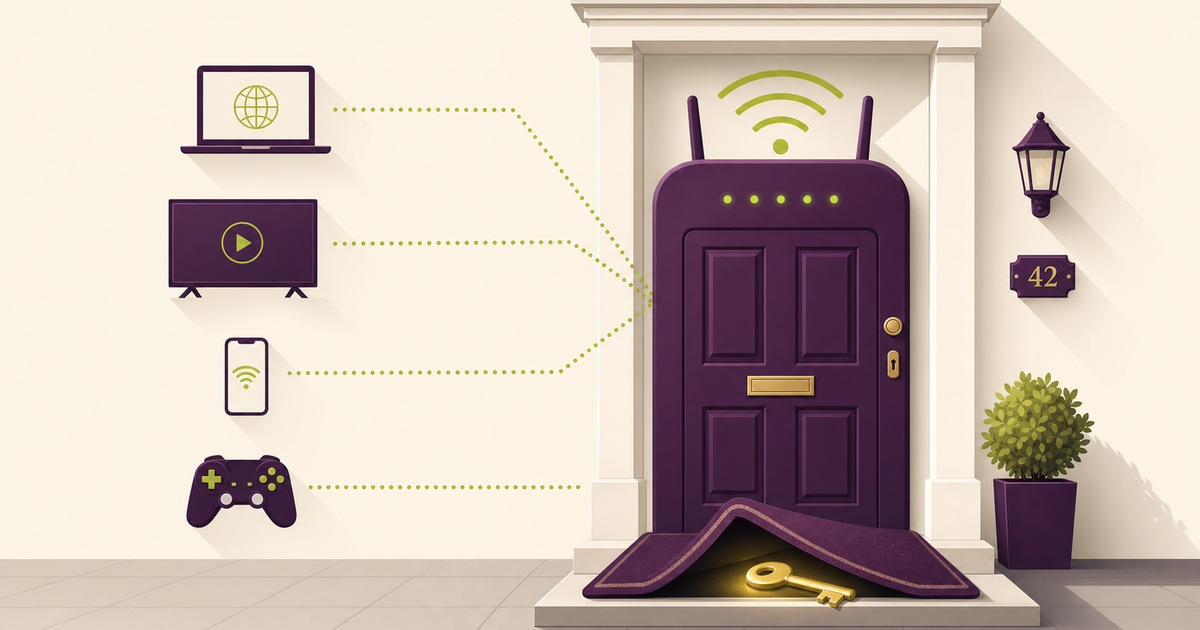
Last week we covered software updates and patching — closing the holes already sitting inside your devices. This week is about the box those devices connect through: the router quietly humming under the sideboard, still using the password printed on its sticker.
The router nobody had touched since the day it was installed
A Greater Manchester family called us in when their broadband "felt odd". Games were dropping, the smart TV kept disconnecting, and the dad's work laptop refused to connect reliably from the spare room. The router looked like a museum piece — an old ISP box half buried under a sideboard.
It still had the default admin password printed on the sticker, and checking its model number showed it hadn't had a firmware update in years. That meant two things: anyone who knew the default password could change its settings, and known security holes might never have been fixed.
At the same time, the dad was using that same Wi-Fi to connect into his company's systems from home. The forgotten router under the sideboard wasn't just a family issue — it was a business risk.
We changed the password, split out a guest Wi-Fi for smart devices, and the ISP swapped the router for a newer model. The broadband didn't magically get faster, but it got safer.
Why this matters
- Consumer: When Which? tested 13 common ISP routers, most had weak default passwords that attackers could realistically get past — and it estimated around six million people were using a router that hadn't been updated since 2018 or earlier. BBC News: Which? router warning.
- Business: It isn't hypothetical. Around six million Sky routers carried a flaw that could hand over the home network of anyone still on the default admin password — and the FBI now warns that end-of-life routers are actively hijacked for crime. BBC News: Sky router flaw and FBI PSA on end-of-life routers.
The fix
At home the fix is three small changes you can make in an evening. At work, it's about the routers you can't see — the home boxes your staff log in through. We help businesses check and lock those down as part of our managed IT support, alongside Secure State for the wider cyber posture, and sort proper business fibre and connectivity where the office link needs it too.
Three things you can do this week
🏠 At home
Log into your router's admin page (often at 192.168.1.1), change the admin password from the default to something long and unique, and check your Wi-Fi password is strong. Turn on WPA2 or WPA3 if your router supports it.
🏢 At work
If staff are working from home, give them guidance on setting up a separate guest Wi-Fi for visitors and smart devices, and keep work laptops on a dedicated network. Check whether their home router still receives updates; if not, consider providing a supported model.
🌍 For everyone
Ask your ISP whether your router model is still supported and patched. If they're phasing it out, take the upgrade. Old routers with weak defaults and no updates are a favourite target for attackers.
Which router setup actually protects you?
Honest comparison — this is the advice we give homes and businesses alike.
| Router state | Admin password | Updates | Risk level | Good for |
|---|---|---|---|---|
| Default password, old router | Weak | None / unknown | 🔴 High | No-one |
| Default password, current router | Weak | Some | 🟠 Medium | Needs fixing |
| Strong admin password, current router | Strong | Active | 🟢 Lower | Most homes |
| Strong password, WPA2/3, separate guest Wi-Fi | Strong | Active | 🟢 Lowest | Homes + small businesses |
| End-of-life router, no updates | Strong | None | 🔴 High | Replace it |
What this looks like locally
We've helped families and home-working staff across Tameside, Stockport (SK1), Ashton-under-Lyne (OL6) and Oldham (OL8) lock down routers that hadn't been touched since installation. Almost every time, the admin password was still the factory default and the router was old enough to miss important security updates. The broadband still "worked" — but it wasn't safe.
Frequently asked
Why should I change my router's admin password?
Because default usernames and passwords are widely known. Attackers can use them to log in and change your settings or open up remote access.
How do I know if my router is too old?
Check the model number against your ISP's website or Which? guidance. If it hasn't had updates since 2018, or your provider offers a newer model for free, it's time to upgrade.
Is my Wi-Fi password enough?
A strong Wi-Fi password helps, but the admin login is even more important — that's what controls the router itself. Both need securing.
Should I create a guest Wi-Fi network?
Yes. It keeps visitors and smart devices away from your main network, limiting what they can see if something goes wrong.
Do routers really get hacked?
Yes. Investigations have found millions of UK routers with weak defaults and missing updates, making them attractive targets.
Can my ISP help?
Most ISPs have guides on changing router passwords and will swap older models for newer, supported ones if you ask.
"If your router's still using the password printed on the sticker, that's the digital equivalent of leaving your front door key under the mat." — Brett Casterton, Inology IT
Let's find out.
Inology IT can help you and your team check home routers, change default passwords, and make sure the boxes people work through at home aren't quietly weakening your business security. Drop your details below and I'll come back to you the same day.
Last reviewed by Brett Casterton, July 2026.